
Email is the backbone of modern business communication. Whether you’re a startup scaling fast or an established SME optimizing operations, there comes a time when your current email system no longer meets your needs. That’s where email migration comes in.
But here’s the challenge:
Migrating emails isn’t just about switching platforms, it’s about preserving years of critical communication, contacts, and workflows without disruption.
In this guide, we’ll walk you through everything you need to know about a successful migration, including moving to platforms like Zoho Mail and executing a seamless M365 migration.
Why Businesses Migrate Email Systems
Before diving into the “how,” let’s understand the “why.”
Businesses typically consider email migration when they need:
- Better reliability and uptime
- Improved security and compliance
- Scalability as the business grows
- Lower operational costs
- Advanced collaboration features
For example:
- Moving from cPanel/webmail to Zoho Mail for affordability and simplicity
- Switching to Microsoft 365 (M365) for enterprise-grade tools and integrations
Common Email Migration Challenges
Let’s be honest email migration can go wrong if not handled properly. Here are the most common risks:
1. Data Loss
Missing emails, attachments, or contacts can disrupt operations and even lead to compliance issues.
2. Downtime
Poor planning can result in hours (or days) without email access.
3. Compatibility Issues
Different platforms use different protocols and formats, which can cause syncing problems.
4. User Disruption
If users aren’t prepared, productivity drops during the transition.
Types of Email Migration
Understanding the type of migration you need is crucial.
1. IMAP Migration
- Transfers emails from one server to another
- Best for basic migrations
- Doesn’t always include calendars or contacts
2. Cutover Migration
- Moves everything at once
- Ideal for small businesses
- Faster but riskier if not planned well
3. Staged Migration
- Migrates users in batches
- Reduces risk and downtime
- Best for growing companies
4. Hybrid Migration
- Runs old and new systems simultaneously
- Ideal for large organizations
- Smooth transition with minimal disruption
Pre-Migration Checklist (Critical Step)
A successful email migration starts before any data is moved.
✔ Audit Your Current System
- Number of mailboxes
- Storage size
- Email formats
- Existing issues
✔ Clean Up Data
- Delete unnecessary emails
- Archive old messages
- Remove duplicate contacts
✔ Backup Everything
Never skip this step. Always create a full backup of:
- Emails
- Contacts
- Calendars
✔ Choose the Right Platform
Decide whether Zoho Mail or M365 migration suits your business needs:
- Zoho Mail → Cost-effective, simple UI, great for SMEs
- Microsoft 365 → Advanced collaboration, enterprise features
✔ Notify Your Team
Inform users about:
- Migration date
- Expected downtime
- New login details
Step-by-Step Email Migration Process
Step 1: Set Up the New Email Environment
- Create user accounts
- Configure domain settings
- Set up security policies
Step 2: Verify Your Domain
You’ll need to:
- Update DNS records
- Add verification tokens
This ensures your new system can send and receive emails properly.
Step 3: Migrate Mailboxes
Depending on your method:
- IMAP Migration: Connect old and new servers and sync emails
- M365 Migration: Use Microsoft’s built-in migration tools
- Zoho Migration: Use Zoho’s migration wizard
Key Tip:
Start with a test mailbox before migrating everyone.
Step 4: Migrate Contacts & Calendars
Emails are only part of the story.
Ensure you also transfer:
- Address books
- Shared calendars
- Meeting schedules
Some tools handle this automatically, but always verify.
Step 5: Update DNS (MX Records)
This is the switch-over moment.
Update your domain’s:
- MX records
- SPF, DKIM, and DMARC settings
This ensures emails route to your new system.
Step 6: Test Everything
Before declaring success, test:
Step 7: Train Your Team
Even the best system fails if users don’t understand it.
Provide:
- Quick guides
- Login instructions
- Support contacts
Best Practices for Zero Data Loss
If your goal is zero data loss, follow these proven practices:
1. Run Parallel Systems
Keep the old system active during migration.
2. Migrate in Phases
Avoid moving everyone at once unless necessary.
3. Monitor Logs
Track errors during migration and resolve immediately.
4. Validate Data
Cross-check:
- Email counts
- Folder structures
- Attachments
5. Use Trusted Tools
Avoid manual exports where possible, use verified migration tools.
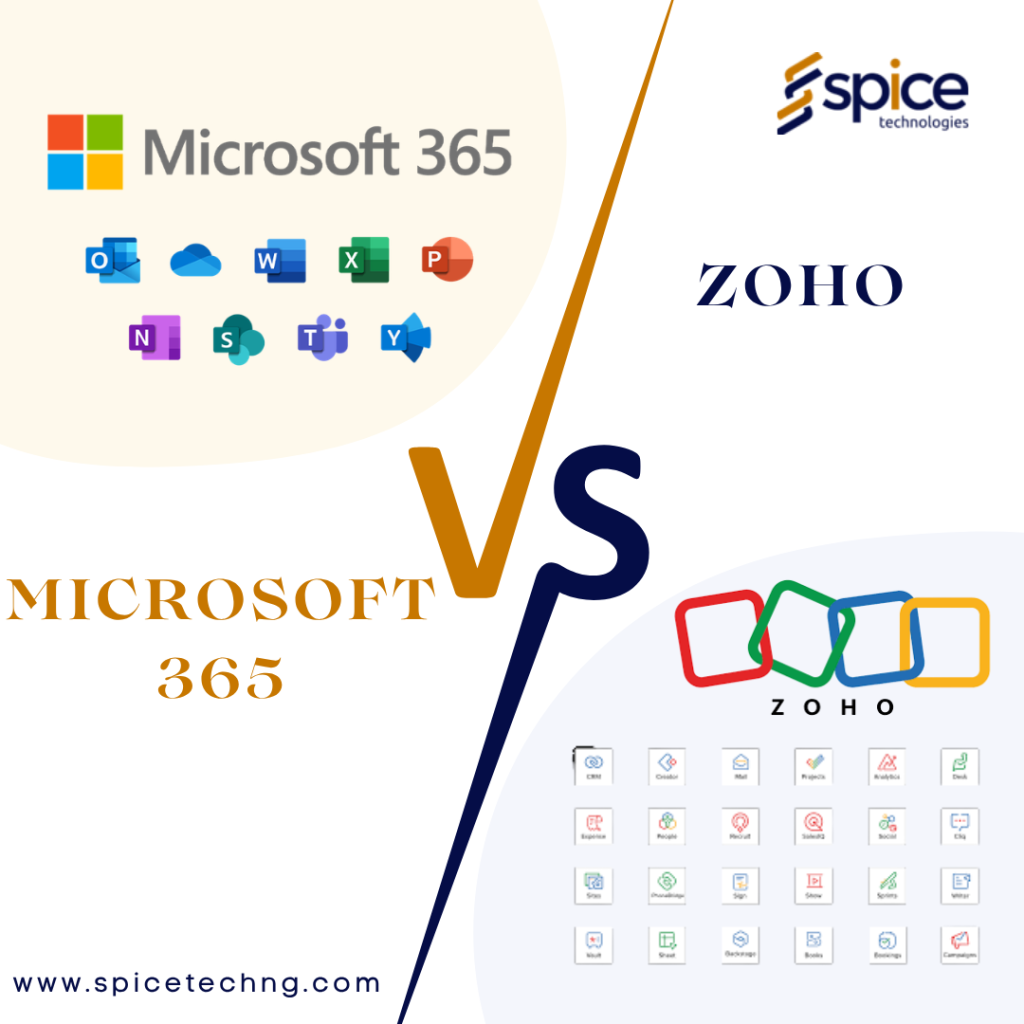
Zoho Mail vs M365 Migration: Which Should You Choose?
Zoho Mail
Best for:
- Startups and SMEs
- Budget-conscious businesses
Benefits:
- Clean interface
- Strong privacy focus
- Affordable pricing
Microsoft 365 (M365 Migration)
Best for:
- Growing teams
- Enterprises
Benefits:
- Outlook integration
- Teams, OneDrive, SharePoint
- Advanced security
Post-Migration Checklist
Migration doesn’t end after the switch.
✔ Confirm Data Integrity
Ensure all emails and files are intact.
✔ Monitor Performance
Watch for:
- Delayed emails
- Sync issues
✔ Update Devices
Reconfigure:
- Mobile phones
- Desktop email clients
✔ Decommission Old System
Only after confirming everything works perfectly.
When to Hire Experts
While small migrations can be DIY, you should consider experts if:
- You have large datasets
- You need zero downtime
- You’re handling sensitive business data
- You’re doing a full M365 migration
Professional support ensures:
- Faster execution
- Reduced risk
- Proper configuration
Conclusion
Email migration doesn’t have to be stressful or risky.
With the right planning, tools, and strategy, you can:
- Move to a better system
- Improve team productivity
- Maintain 100% data integrity
Whether you’re transitioning to Zoho Mail or planning a full M365 migration, the key is simple:
👉 Plan carefully. Test thoroughly. Execute strategically.
Need Help With Email Migration?
At Spicetechng, we help businesses migrate their email systems seamlessly and securely—without data loss or downtime.
From planning to execution, our team ensures your transition is smooth, fast, and stress-free.
Ready to migrate? Let’s help you do it right.
